The App Store Said Yes
Two weeks ago I wrote "Still building. Still not done." Today DIALØGUE is live on the App Store. Here's what the last 40% actually looked like.
Two weeks ago I ended a blog post with: "Still building. Still not done. Still figuring out what to tell my daughter."
I promised a follow-up when the app hit the App Store. Or when it got rejected. I said the rejection story might be more interesting.
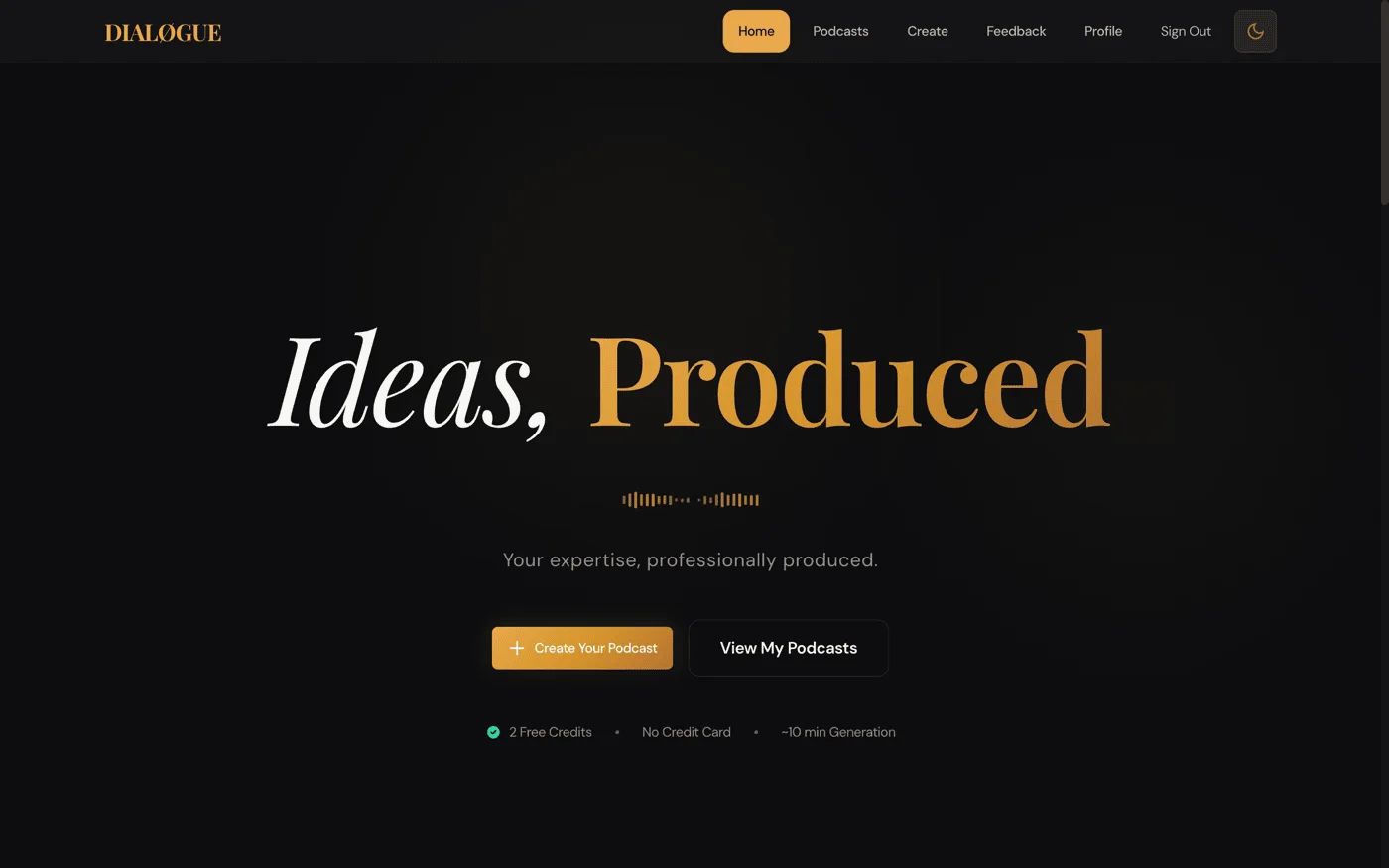
DIALØGUE - AI Podcast Studio is now live on the App Store — a native SwiftUI iOS app that turns any topic or PDF into a fully produced podcast episode, built with Claude Code by someone who'd never written Swift before. You can download it right now.
But not on the first try. I have to admit — I predicted the rejection story might be more interesting than the approval story. I was right.
What Happened When Apple Rejected the First Submission?
My first submission got rejected. Guideline 2.1 — Performance: App Completeness. The in-app purchases were broken.
Apple's review message was polite — they noticed it was my first submission, congratulated me on joining the developer program, and explained the issue clearly. The IAP products threw an error when their reviewer tried to make a purchase.
Here's the thing: the purchase flow worked perfectly in my testing. The issue was in Apple's sandbox environment, which behaves differently from both development and production. The StoreKit configuration needed to be exactly in sync with App Store Connect — and mine wasn't. I'd been testing against a local StoreKit configuration file while the reviewer was hitting the real sandbox.
I fixed it the same day, resubmitted, and it passed. Then I shipped a v1.0.1 bug fix update shortly after, which also sailed through.
Three submissions total. One rejection. The rejection taught me more about the App Store process than either approval did. That's the pattern, isn't it? The failures are always more educational than the successes.
What Does the "Last 40%" Actually Look Like?
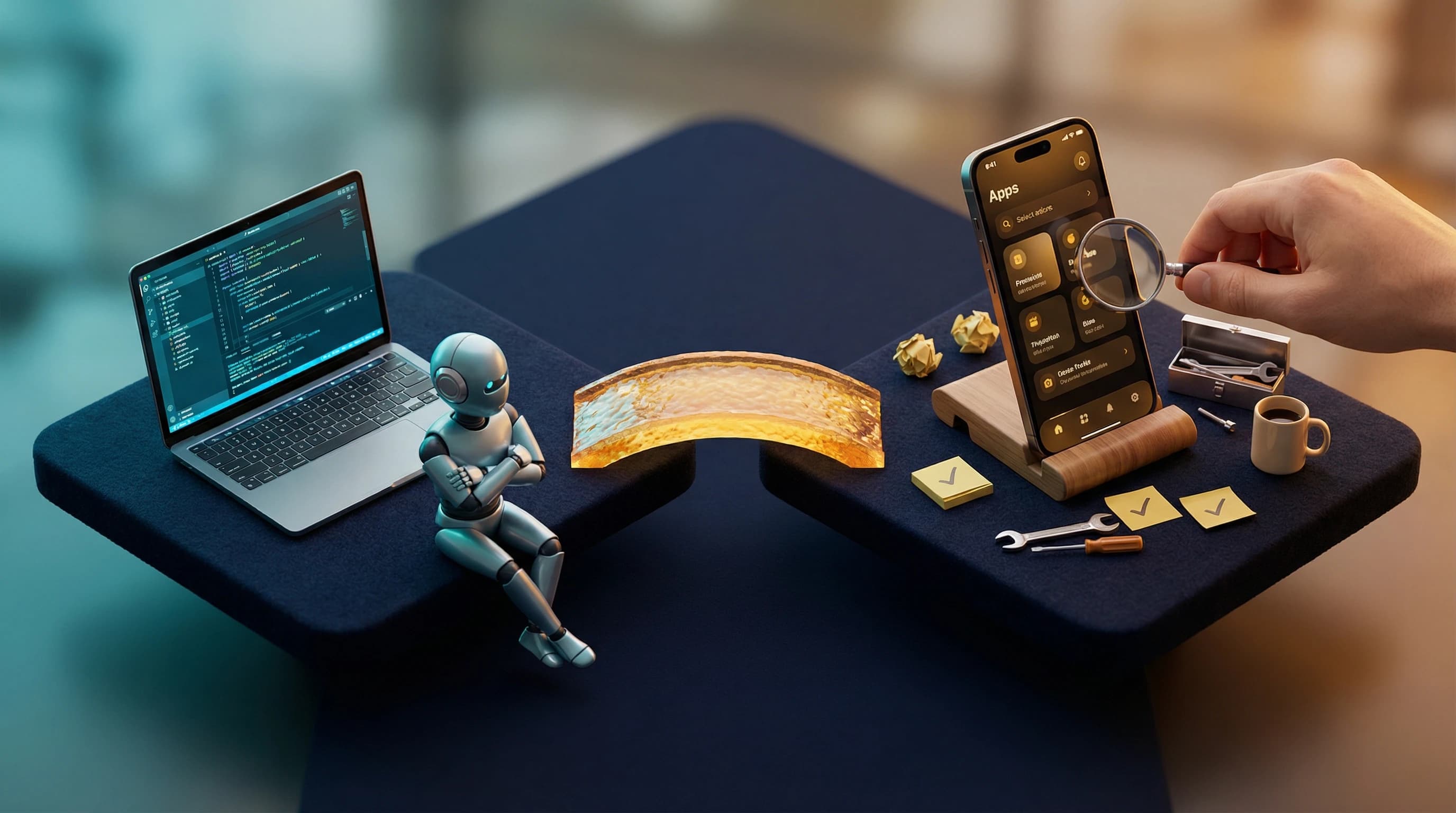
In the original post, I said the AI gets you 60% of the way and the remaining 40% is entirely human. I want to be more specific now, because I have the git log to prove it.
16 commits. 57 files changed. 4,886 lines added. The app grew from 69 Swift files to 88, from 7,568 lines to 11,459. That's almost 4,000 lines of "polish."
Here's what those 16 commits actually contained — in roughly the order they happened:
The Test Suite That Should Have Existed From Day One
The original scaffold had zero tests. Zero. Claude built 69 files of production code and not a single test. My first real commit after the original post added 176 unit tests and 19 integration tests running against a local Supabase instance.
Writing those tests immediately caught real bugs: Show model decode failures from non-existent database columns, AudioPlayer not resetting at end-of-track, a library reload race condition, a nil UUID guard missing in the creation wizard. Every one of these would have been a crash in production.
I think this is a pattern worth naming: AI generates code with zero test infrastructure. Not because it can't write tests — Claude is great at writing tests when you ask — but because the initial scaffold prompt is always "build the app," not "build the app with comprehensive tests." The tests came from me deciding I wasn't comfortable shipping without them.
Studio: The Feature That Was Barely a Stub
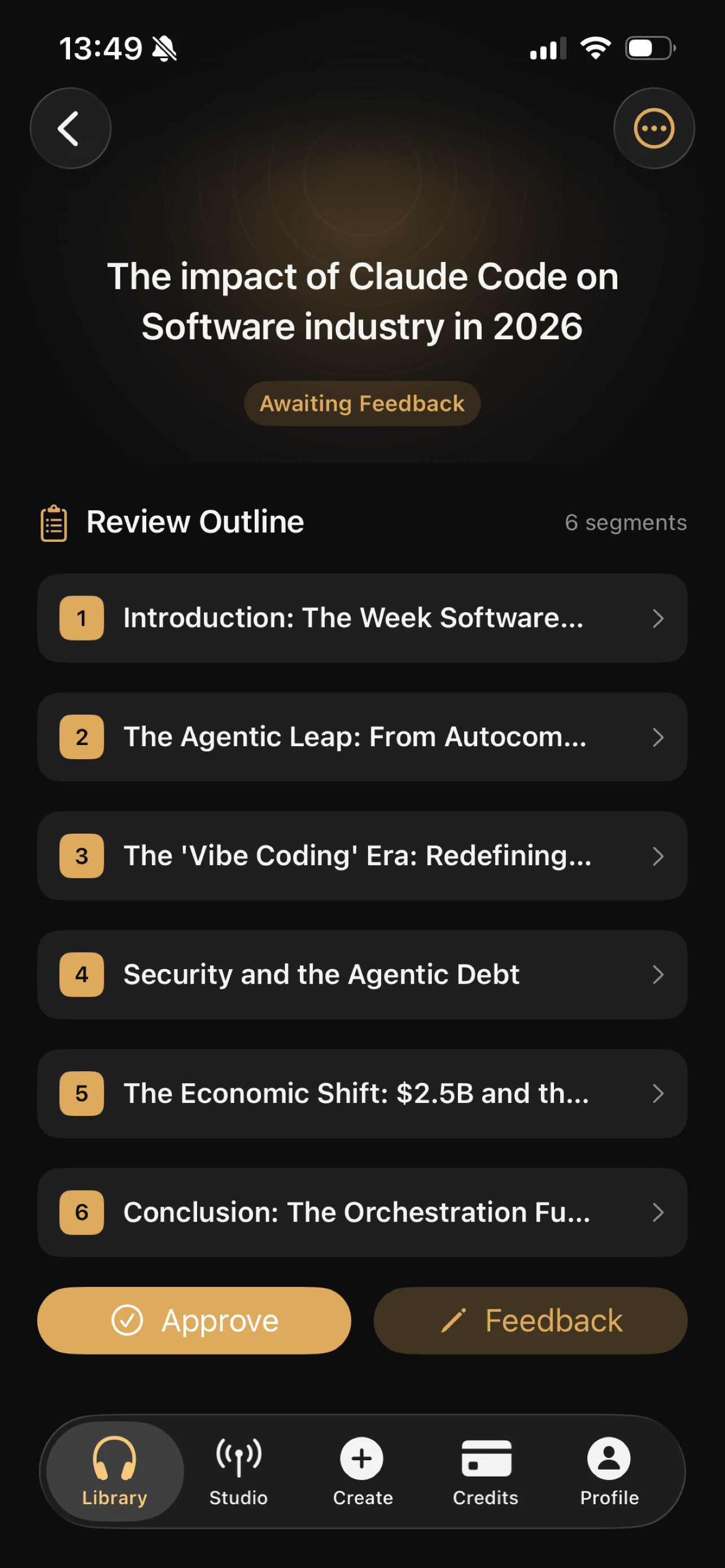
The original "Studio" feature for recurring shows was a placeholder. Two commits later, it was a real product: show creation with template grids, episode management with status badges and action buttons, edit/delete workflows, schedule configuration with timezone pickers, and voice customization sheets.
Then came Studio Phase 2: show detail redesign, per-episode retry/delete, manual episode generation with credit checks. Plus 8 new XCUITests to make sure it all worked end-to-end.
This is the kind of thing I meant by "the AI built a codebase, not a product." The Studio feature compiled. It rendered a screen. But you couldn't actually manage a recurring podcast show with it.
The Audio Player Reimagining
I mentioned in the original post that I'd deleted the mini-player. Turns out I was wrong — I ended up building a better mini-player. The final design has a persistent mini-player bar above the tab bar with progress, skip controls, and play/pause. Tap it and you get an expanded "Now Playing" sheet with a seekable slider, speed selector (0.5x to 2x), transport controls, and a sound-rings artwork animation.
The tricky part was isSeeking state — without it, the slider's position and the audio observer fight each other, creating a jittery mess. That's one line of state that took an hour to diagnose.
I also added offline downloads with ambient UX: a green icon on downloaded episodes in the library, a completion toast, a "Downloaded" label in Now Playing, and swipe-to-remove-download. The DownloadManager had a temp file race condition in the URLSession delegate that caused silent failures — the fix was a synchronous file move inside the callback. Not the kind of bug that shows up in code review.
Security Hardening Across Every Layer
This one was sobering. A security audit of the full stack — not just the iOS app — revealed vulnerabilities across multiple layers: over-permissioned database functions, authentication edge cases, token verification gaps, and input validation issues in several backend services.
None of these were in the iOS Swift code. They were in the backend that the iOS app talks to. But shipping an iOS app means your entire stack is now in your users' pockets. That raised the stakes on everything. Code that "worked fine" for a web app suddenly felt unacceptable when it was going through Apple's review process and into a native app people carry around.
StoreKit: The Submission Killer
StoreKit sandbox testing is its own universe, and it's exactly what got my first submission rejected. The sandbox environment behaves differently from production. Transactions sometimes stay "pending" forever. The Xcode StoreKit configuration file needs manual sync. I spent an entire evening debugging a purchase flow that worked perfectly in code but failed silently in the sandbox — turned out the product IDs in App Store Connect had a trailing space. One space.
Apple's reviewer hit a sandbox error because my StoreKit configuration was out of sync with App Store Connect. The purchase flow worked fine in my local testing — but the reviewer was hitting the real sandbox, not my local StoreKit config file. I fixed it the same day, but it's a perfect example of how the gap between "works on my machine" and "works in Apple's environment" is non-trivial.
The purchase verification chain was its own project: the iOS app sends a JWS (JSON Web Signature) representation of the transaction to a server-side function, which performs full cryptographic chain verification of Apple's signed receipt. Not just decoding — actual signature validation. This took two dedicated commits to get right.
Privacy and App Store Compliance
Privacy and compliance are forms, decisions, and checkboxes with legal implications — and no AI can fill them out for you. App Tracking Transparency declarations, privacy nutrition labels, export compliance for encryption (yes, HTTPS counts), content rights, Turnstile captcha integration. Claude Code can write Swift, but it can't tell you whether your data collection practices require a "Data Used to Track You" label.
Full MFA and Localization
The original MFA implementation was a broken stub — empty factor IDs, verify-only flow. I rewrote it as a complete TOTP lifecycle: enroll, scan QR code (native CoreImage generation), verify, view status, disable. That's a 394-line MFAView.swift that didn't exist before.
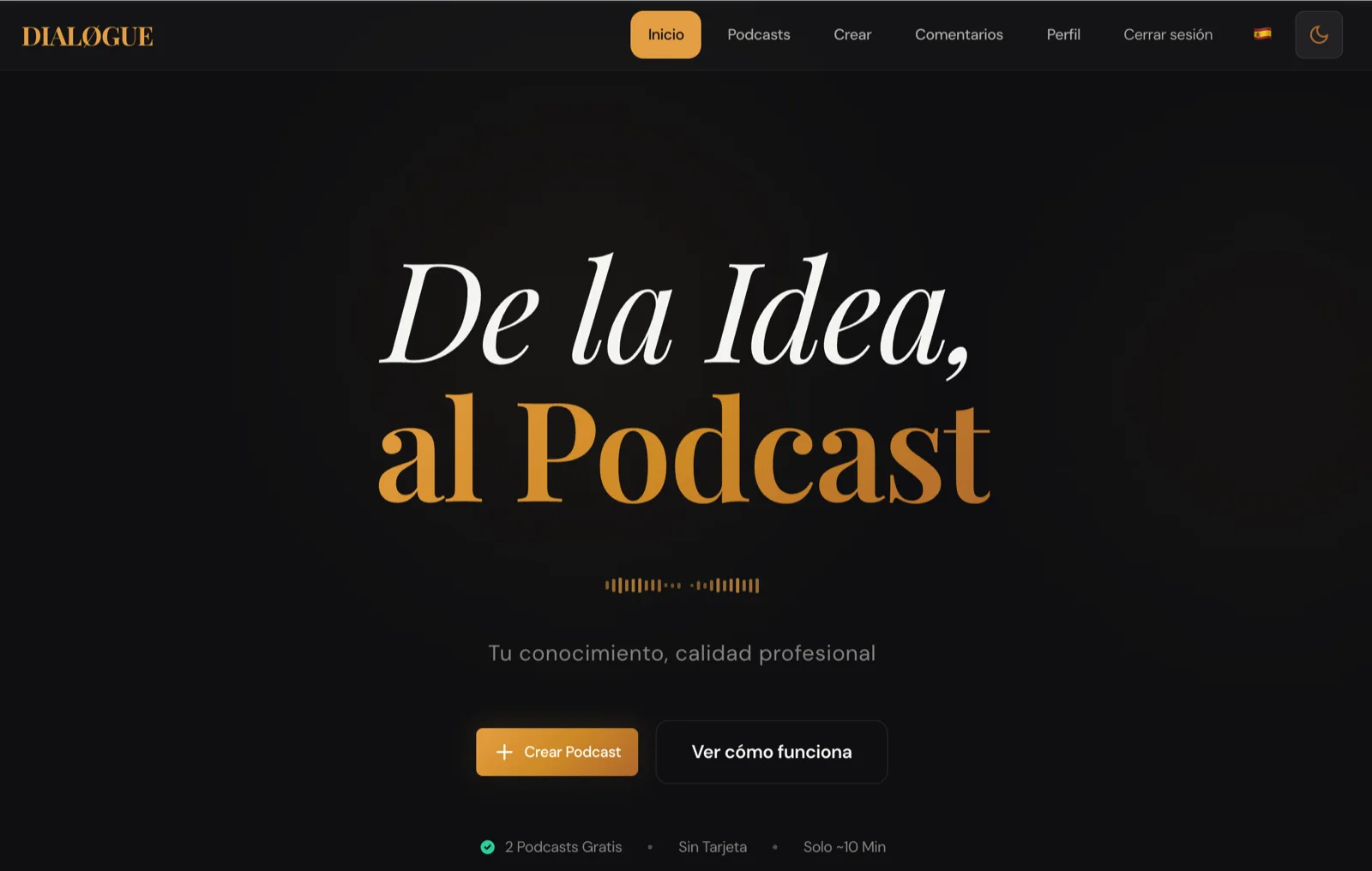
Localization across 7 languages meant 253 UI strings translated into English, Spanish, French, Japanese, Korean, Vietnamese, and Chinese. Claude did the translations, and they were mostly good. But "mostly good" in Japanese means you might have a button label that's grammatically correct but sounds like a robot wrote it. I caught several of those by switching my phone's language and actually using the app. That's the kind of testing AI can't do for you — not yet.
What Can You Do With the DIALØGUE iOS App?
For anyone who didn't read the original build story, here's what DIALØGUE does:
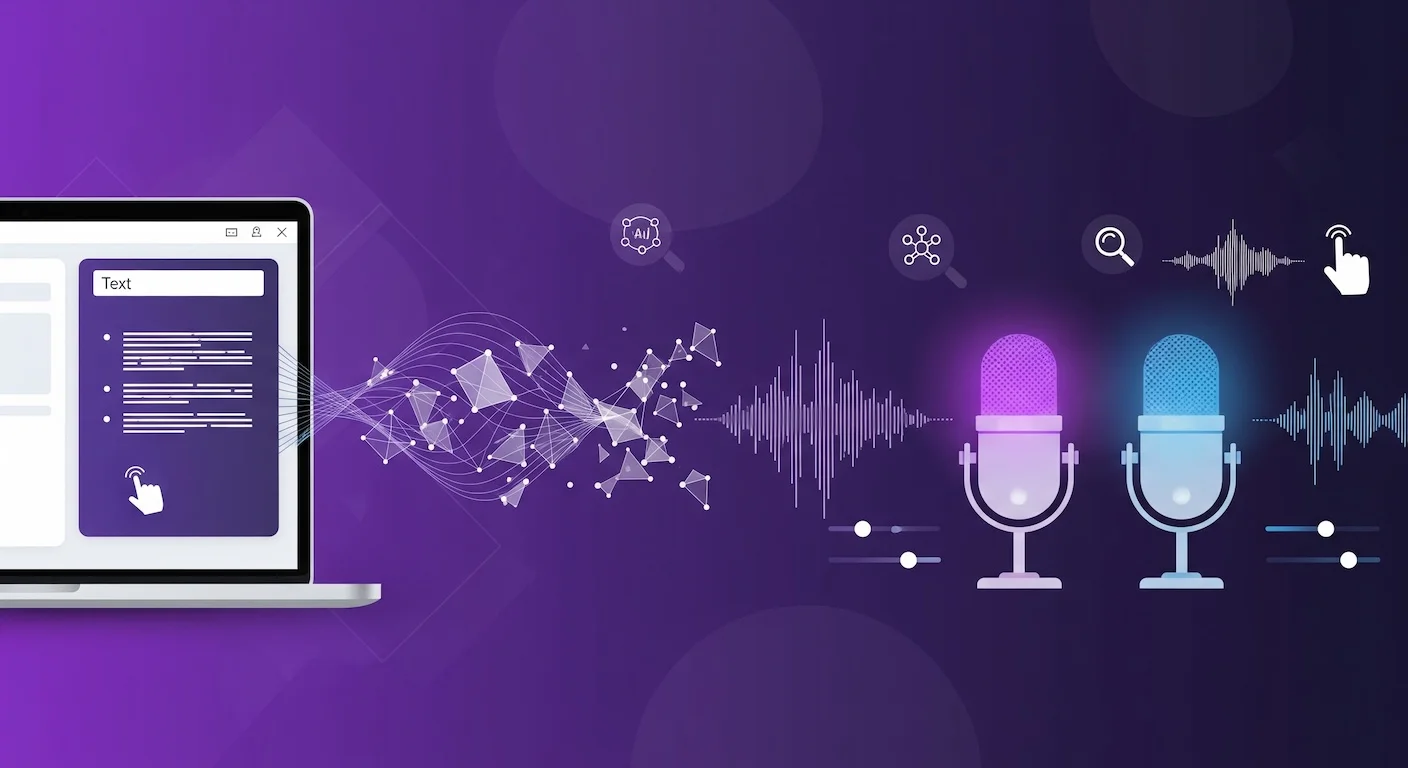
You give it a topic — or upload a PDF — and it produces a fully researched, scripted, voiced podcast episode. Two AI hosts have a natural conversation about your topic, backed by real research. No microphone needed.
The iOS app includes:
- 5-step creation wizard — topic, format, customization, outline review, script review
- 30 AI voices across 7 languages — English, Spanish, French, Japanese, Korean, Vietnamese, Chinese
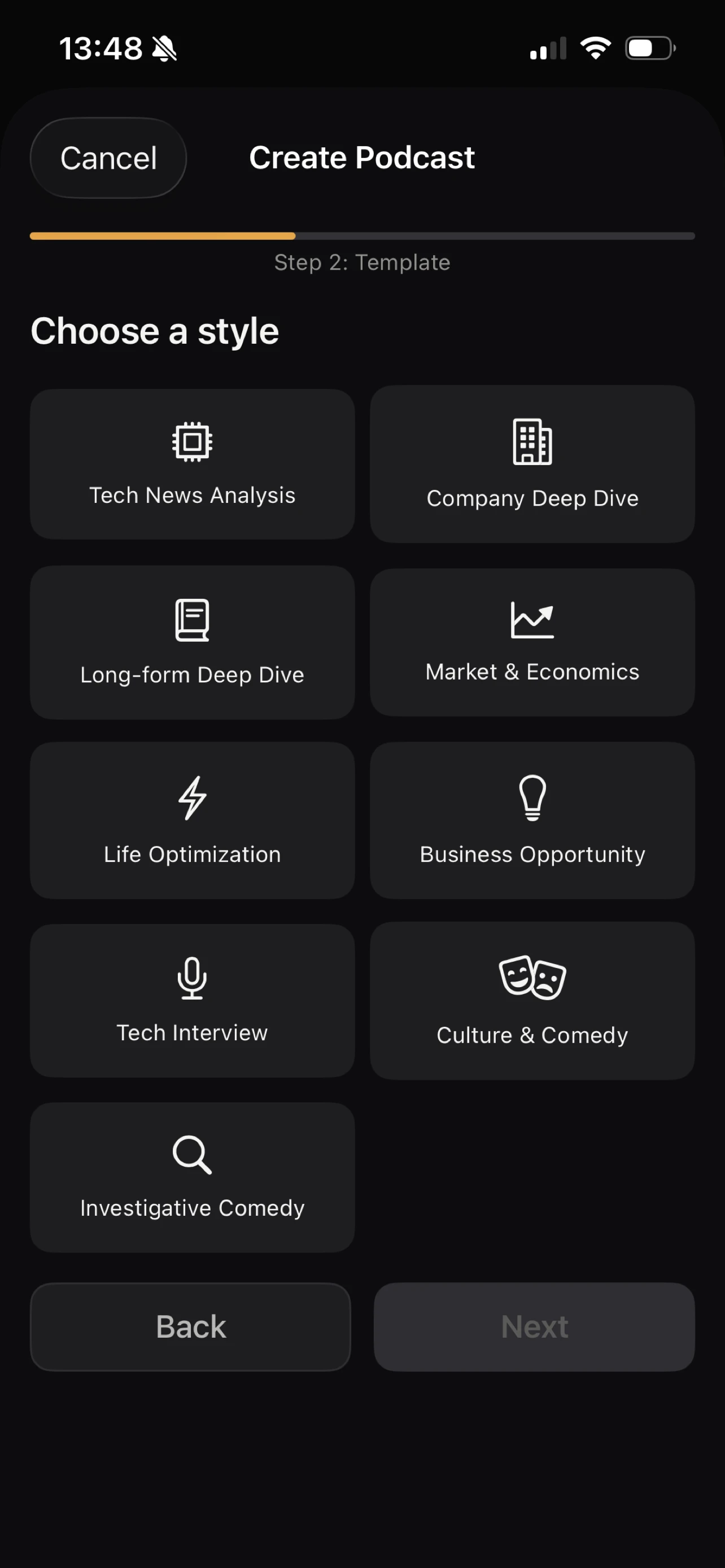
- 9 podcast formats — from Tech News Analysis to Investigative Comedy
- Audio playback with lock screen controls — background playback just works
- Apple Sign-In, Google OAuth, and email auth
- In-app purchases — credit-based, no subscription: 4 credits for $4.99, 9 for $9.99, 18 for $19.99
- Studio — set up recurring shows that generate fresh episodes automatically
- PDF upload — research papers, reports, books as source material
It's a real native SwiftUI app. Not a web wrapper. Not React Native. What started as 69 Swift files is now 88 files and 11,459 lines of code, backed by 195 tests. I'm genuinely proud to ship it.
How Wrong Was My Original "Polish Phase" Estimate?
I wrote that the app was "still in development, in the final polish phase." That was technically true, but I underestimated how much of the "polish phase" was actually new work.
Looking at the git log now, 16 commits doesn't sound like "polish." It sounds like a second phase of development. The test suite alone — 176 unit tests and 19 integration tests — was an entire project. Studio went from a stub to a full feature. The audio player was reimagined twice. Security hardening touched 40+ backend functions. MFA was rewritten from scratch.
I also said I'd deleted the mini-player. I was wrong about that too — I ended up building a better one, with a Now Playing sheet, speed controls, and download indicators. The original "delete it" instinct was right — the first mini-player was bad. But the concept was right. It just needed to be built properly.
I think the honest split, now that I can see the full picture, is: AI builds the foundation (60%), humans build the product (30%), and the App Store submission process teaches you the remaining 10%.
Is DIALØGUE Available in the EU?
DIALØGUE is available worldwide, but EU availability is still being processed by Apple. The EU's Digital Markets Act requires additional compliance steps — alternative payment disclosures, specific privacy documentation, business registration details. I've submitted everything, and Apple is reviewing it now. It should be available in EU countries soon.
If you're in the EU and can't wait, the web app works everywhere and has the same features.
How Fast Is AI-Assisted iOS Development?
The DIALØGUE iOS app took about two weeks from first commit to App Store — one evening of AI scaffolding and two weeks of human product work. I keep maintaining this table because it keeps teaching me things:
| Project | Complexity | Time to Build |
|---|---|---|
| DIALØGUE v1 | MVP podcast generator | ~6 months |
| STRAŦUM | 10 AI agents, 11 frameworks, multi-tenant | 75 days |
| Site redesign | WordPress frontend overhaul | 3 days |
| DIALØGUE v2 | Complete web app rebuild | 14 days |
| Blog migration | WordPress → Next.js, 490 posts, Sydney RAG | 4 days |
| DIALØGUE iOS | Native iOS app, first time using Swift | ~2 weeks (scaffold: one evening) |
The scaffold-to-ship gap for DIALØGUE iOS was about two weeks. The scaffold itself was one evening. That ratio — one evening of AI work, two weeks of human work — tells you everything about where we are with AI-assisted development right now.
The AI part keeps getting faster. The human part stays roughly the same. I wrote that two weeks ago and it's still true.
What Skills Matter When AI Builds the Code?
In the original post, I was still searching for the right advice. "Learn to be the person who opens the Simulator" was the best I had.
Now that I've actually shipped the thing, I think I can be slightly more specific.
The app exists because of three things the AI couldn't do:
-
I used the product. Not tested it. Used it. Created podcasts. Listened to them on my commute. Noticed that the outline review screen needed to show research sources because I wanted to know where the facts came from.
-
I made judgment calls that don't have right answers. Delete the mini-player or keep it? How much customization is too much in a creation wizard? Should the Studio feature be a tab or a section? These aren't engineering decisions. They're taste decisions. And taste comes from using a lot of products — great ones and terrible ones — and developing an instinct for what feels right.
-
I navigated a system designed for humans. App Store Connect, privacy declarations, export compliance, screenshot requirements — none of this can be automated. It requires reading, understanding context, and making judgment calls about legal and business implications. That skill — navigating complex human systems — isn't going away.
So maybe the updated advice is: learn to use things deeply, develop taste by caring about quality, and get comfortable navigating systems that weren't designed to be simple.
That's more concrete than "learn to think critically." I think it's closer to the truth. I'm still not sure it's enough.
How Do I Download DIALØGUE?
The app is free with in-app credit purchases. No subscription.
Available worldwide — EU availability is being processed by Apple and should be live soon. The web app is available everywhere.
Frequently Asked Questions
Is DIALØGUE available on the App Store?
Yes! DIALØGUE - AI Podcast Studio is live on the App Store as of March 2026. It's a free download with in-app credit purchases (4 credits for $4.99, 9 for $9.99, 18 for $19.99). Available worldwide — EU availability has been submitted and is being processed by Apple.
Is it available in the EU?
It's been submitted and is being processed by Apple. The EU's Digital Markets Act requires additional compliance steps, and I've completed the paperwork — just waiting on Apple's review. It should be available soon. In the meantime, the web app works everywhere including the EU.
Did Apple reject it?
Yes — the first submission was rejected for broken in-app purchases (Guideline 2.1: App Completeness). The StoreKit sandbox configuration wasn't in sync with App Store Connect, so purchases threw an error during review. I fixed it the same day, resubmitted, and it passed. Then v1.0.1 passed too. Three submissions total, one rejection. The rejection taught me more than either approval.
How long did the whole process take?
About two weeks from the original blog post to App Store approval. Claude Code scaffolded 69 Swift files in one evening. The remaining 16 commits added 4,886 lines across 57 files — tests, Studio features, audio player redesign, MFA rewrite, security hardening, StoreKit verification, localization, and the App Store submission process. The app shipped at 88 files and 11,459 lines with 195 tests.
What was the hardest part of the last 40%?
StoreKit sandbox testing. The gap between "this works in code" and "this works in Apple's transaction system" is enormous. Sandbox transactions behave differently from production, product IDs have to match exactly (down to trailing spaces), and the feedback loop is slow — you can't just run a unit test.
Can I still use the web app?
Absolutely. podcast.chandlernguyen.com has the same features and works on any device. The iOS app adds native conveniences — Apple Sign-In, lock screen controls, offline downloads — but the core podcast generation experience is identical.
Still figuring out what to tell my daughter. But at least now I have a shipped app to point to when I say "the human work is the hard part."